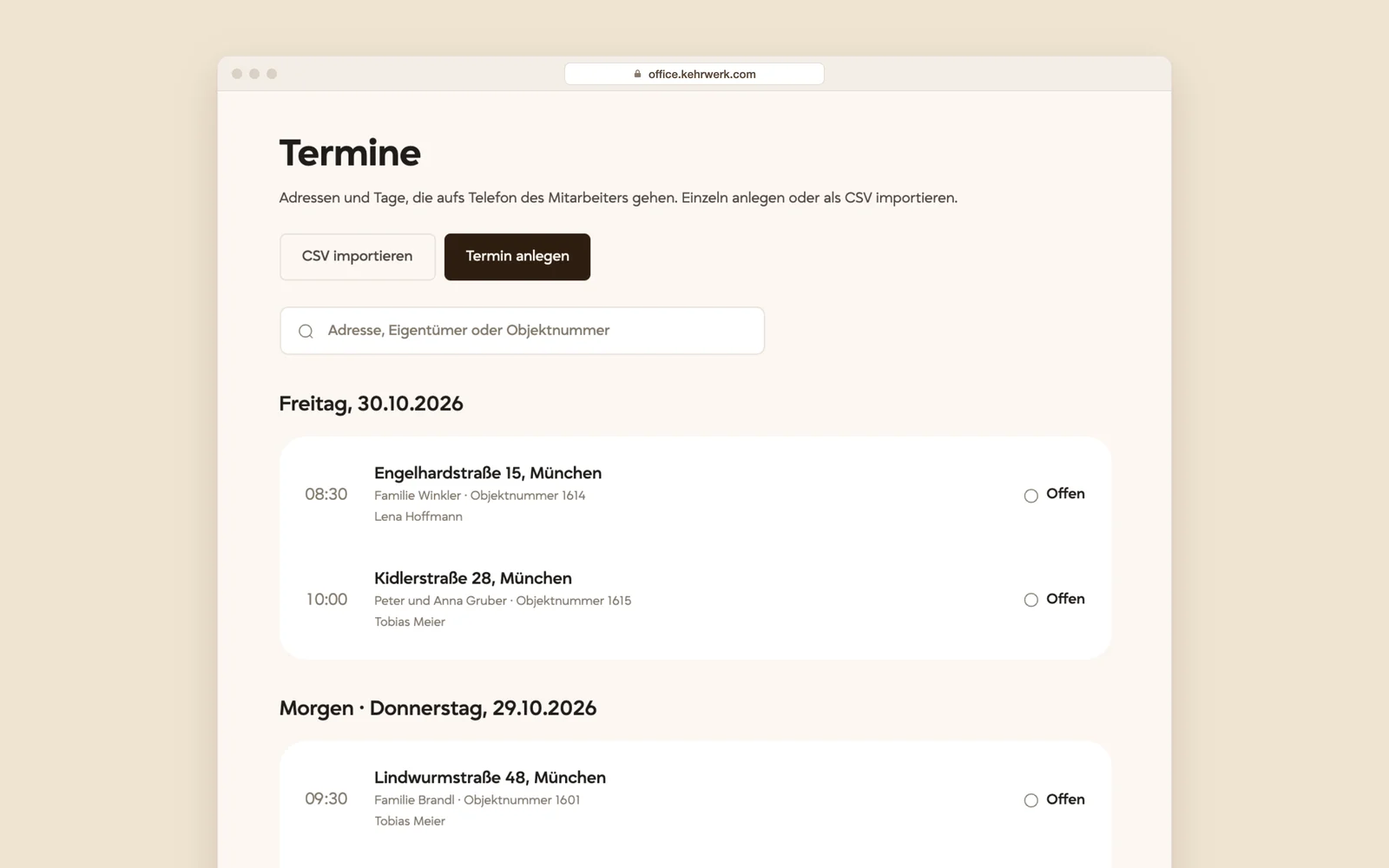
Every appointment of the week in view.
Appointments are grouped by day, each with time, address, owner, property number, assigned employee and status. Create them one by one or import the whole round from your office software as CSV.
Working alone, the app is all you need. With employees comes office work: handing out addresses, collecting records, chasing whatever went missing. The Kehrwerk office handles that in the browser.
Stay in sync with the team.
14 days free. Cancel monthly, prices net plus VAT.
In the office you pick the property, the day, the time and the employee who drives there. His phone shows the notification "Neuer Termin" with the day, the time and the street. The owner's name stays inside the app and never appears on the lock screen.

Appointments are grouped by day, each with time, address, owner, property number, assigned employee and status. Create them one by one or import the whole round from your office software as CSV.
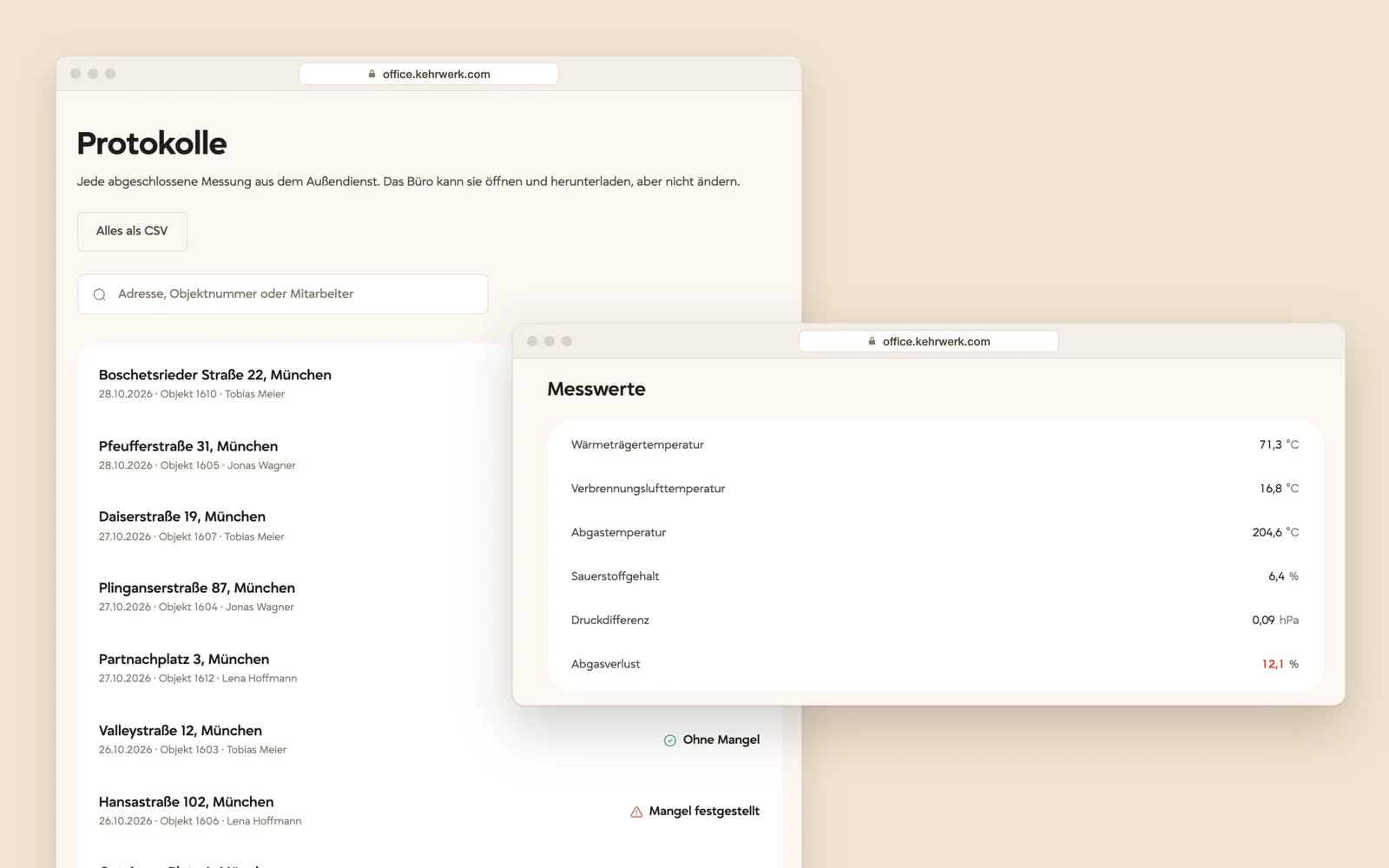
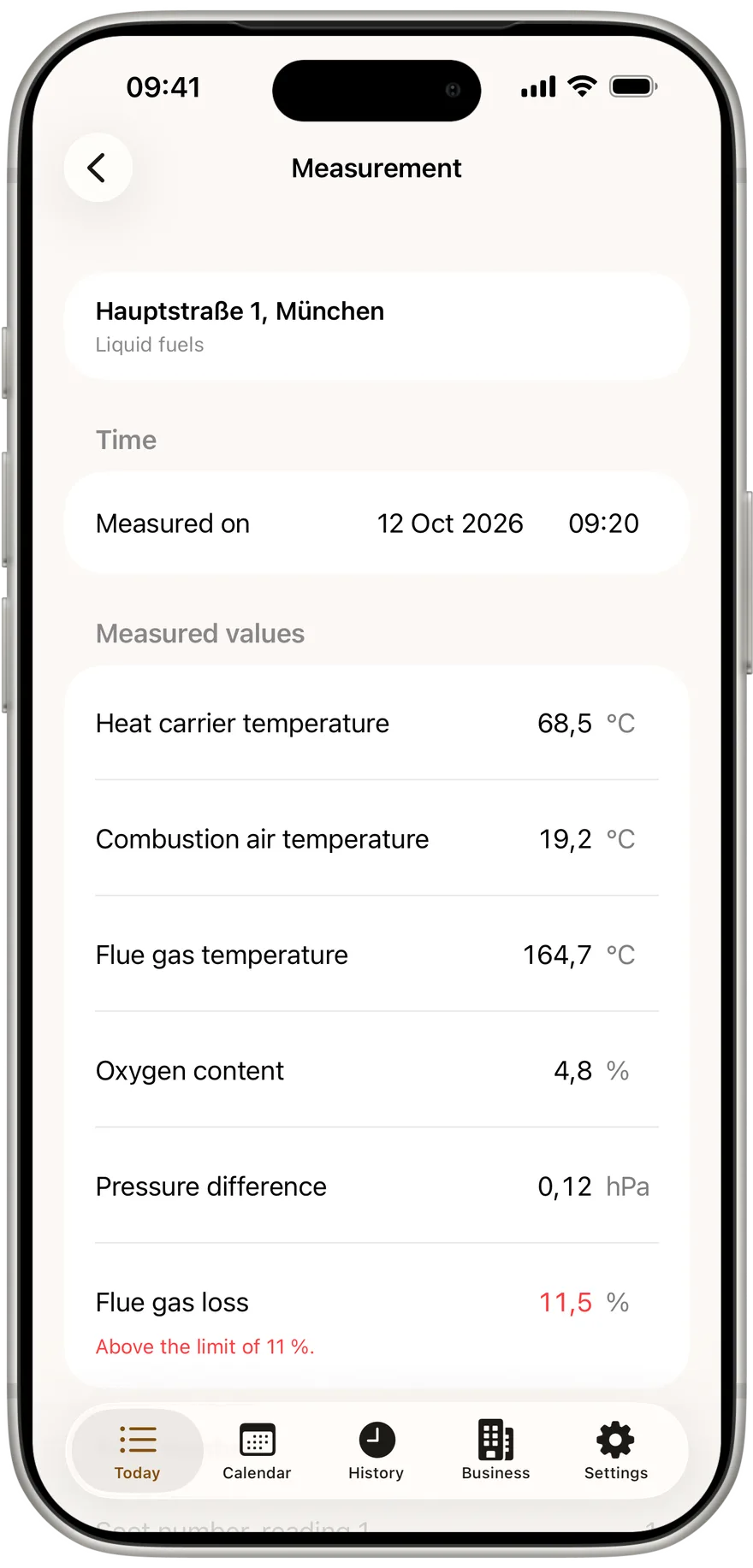
Flue gas loss, CO, NOx and dust each show their limit, and a value over it turns red. When there is a defect, the defect and the deadline to fix it are listed with it. Every protocol downloads as CSV, all of them together too, and the PDF opens in the browser. Not even the office can change a completed measurement.
14 days free, then cancel monthly. We answer questions by email before you start.
The app stays as it is. From two employees you also get:
You plan the day at a desk. Each person sees the addresses they are driving to, and none of the others.
What was typed in the cellar is in the office before the van is. You no longer collect PDFs over WhatsApp.
Each seat belongs to one employee. Every reading carries the name of the person who took it.
When somebody leaves, you revoke their device. The readings stay; the phone stops syncing.
The addresses are already in your Kehrbuch software. Import them once instead of typing four hundred of them.
Cancel monthly, with your VAT ID, and the records stay in the office for good.
A seat belongs to one employee who measures and signs. It is activated on exactly one phone, so every reading carries the right name.
Buy as many seats as you have people in the field. Invoiced with your VAT ID, cancel monthly.
You generate one activation code per seat. The code works exactly once: on first use it is consumed and bound to that one phone.
Addresses and appointments go to the device, completed readings come back. What was recorded in the cellar cannot be overwritten from the office.
If you work alone, you pay nothing. Businesses pay a fixed monthly amount plus an amount per employee. 14 days free to try, then cancel monthly. All prices net, plus VAT.
Free
0 €forever
One person, one phone.
Team
39 €/ month + 15 € per seat
From 2 seats.
Kehrwerk records the reading and hands it to your Kehrbuch software as CSV and PDF. You keep your Kehrbuch software; Kehrwerk works alongside it.
You create the business yourself, with no sales call and no setup fee. We answer questions by email.
14 days free. Cancel monthly, prices net plus VAT.
No. The Kehrbuch with its retention periods, certificates and fee accounting stays in your Kehrbuch software. Kehrwerk records the reading on site and hands it over as CSV and PDF.
An employee who records readings and signs them. Each seat is activated once on one phone. You can revoke a seat at any time, for instance if a device is lost or someone leaves.
No. If you work a district on your own, Kehrwerk is free for good, with every on-device feature. You pay only when a business wants to equip several employees and move data to and from the office.
If you work alone, you use the app for free and need no seat. Seats are for businesses where several employees take readings. You buy them on this site, with an invoice and a VAT ID.
Yes. The reading is stored on the phone, not on a server. Without a network only the transfer to the office waits; you can record everything.
No. Completed readings travel one way only, from the device to the office. Nothing on the server can overwrite or delete a reading on a phone.
The readings are on the device anyway. CSV and PDF export works independently of the subscription, so you can still get at everything afterwards.
Yes, when you buy seats through this site. There is nothing to invoice for the free version.
Yes. Kehrwerk comes for iPhone and for Android. Both do the same thing: take the reading, check it against the limit, have the owner sign, hand over the record.
Questions about Kehrwerk for your business? We reply by email.
We reply by email, usually on the same working day.