

Take a reading
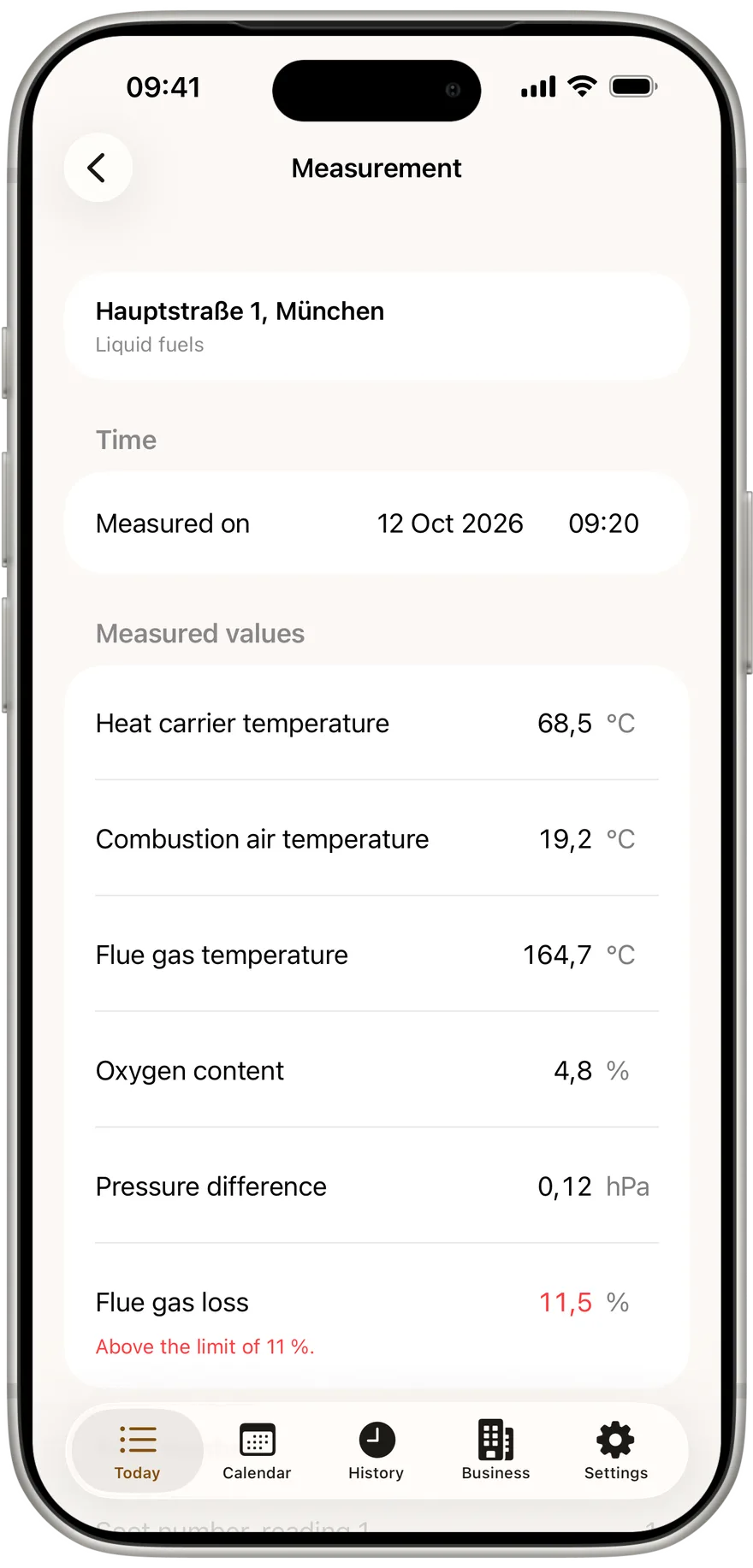
Pick the appliance, enter the values per 1. BImSchV Annex 2, photo, signature. Oil adds the soot number from three readings and the oil derivative check.
For chimney sweeps: Schornsteinfeger, Kaminkehrer, Rauchfangkehrer and Kaminfeger
Pick the appliance, type the values per 1. BImSchV, take a photo, get it signed, share the record as a PDF. Kehrwerk works in a boiler room with no signal, needs no account and saves every entry the moment you type it.
Free forever for one person. No signup, start straight away.
The trade has a different name in every region, the work in the cellar is the same. In the app, the country of the business decides the readings and the limits: Germany per 1. BImSchV, Austria per Art. 15a B-VG, Switzerland per LRV.
Kehrwerk records the reading on site. The Kehrbuch, fee accounting and statistics stay in your Kehrbuch software.
You type 11,5 with a comma, and exactly 11,5 is stored. There is no save button; every entry is on the device the moment you type it.
Kehrwerk needs no network, no account and no sign-in. The reading sits on the phone and stays there, even if the app crashes.
When flue gas loss is over the limit, 11, 10 or 9 percent depending on rated output, the display shows it while you are still standing at the appliance.
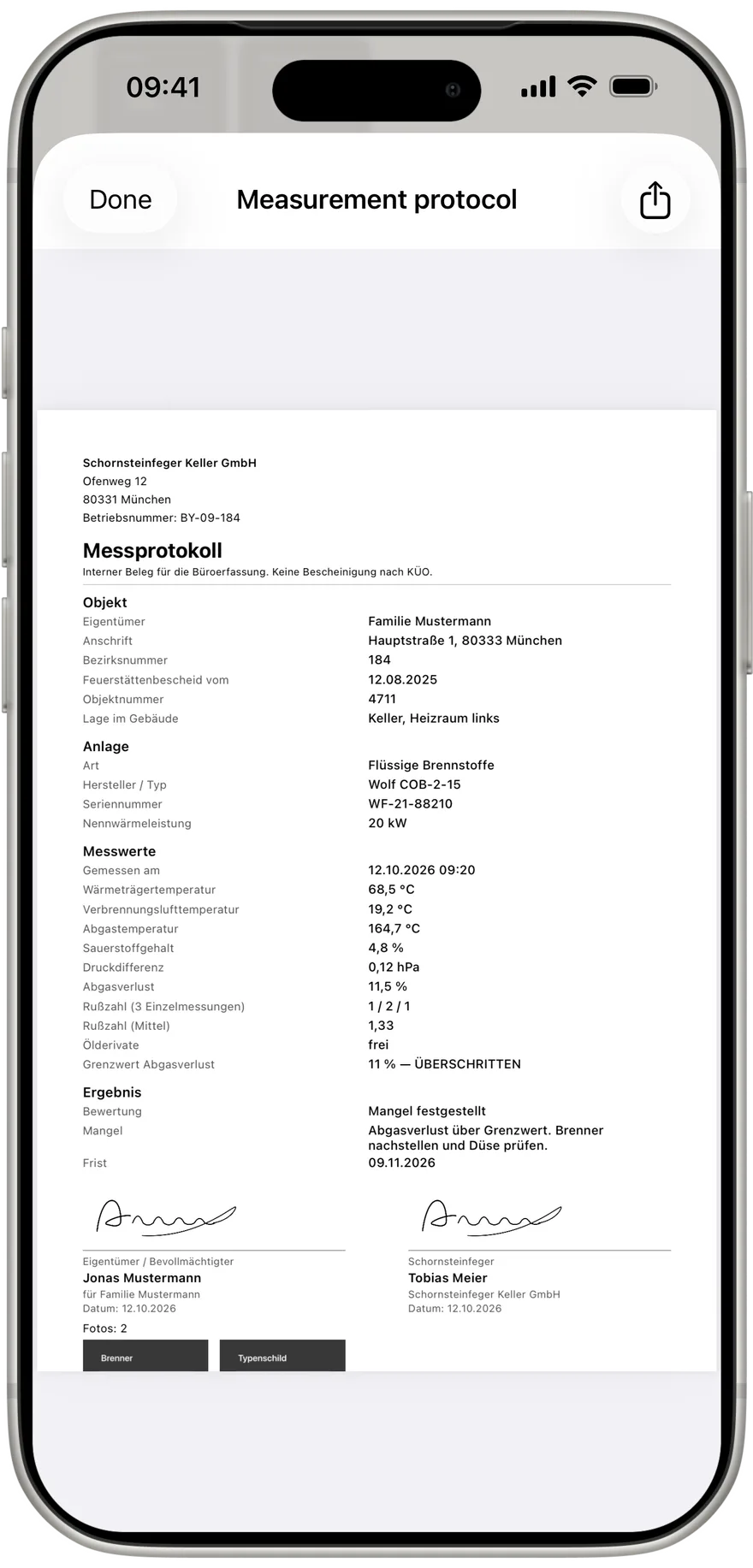
The app produces a CSV for the office and a PDF laid out like the official form, both with no network. You share them straight from the app.
Download, open, measure. No account, no signup, and free forever for one person.


Four steps from the boiler room to the finished record, shown with screens from the app.
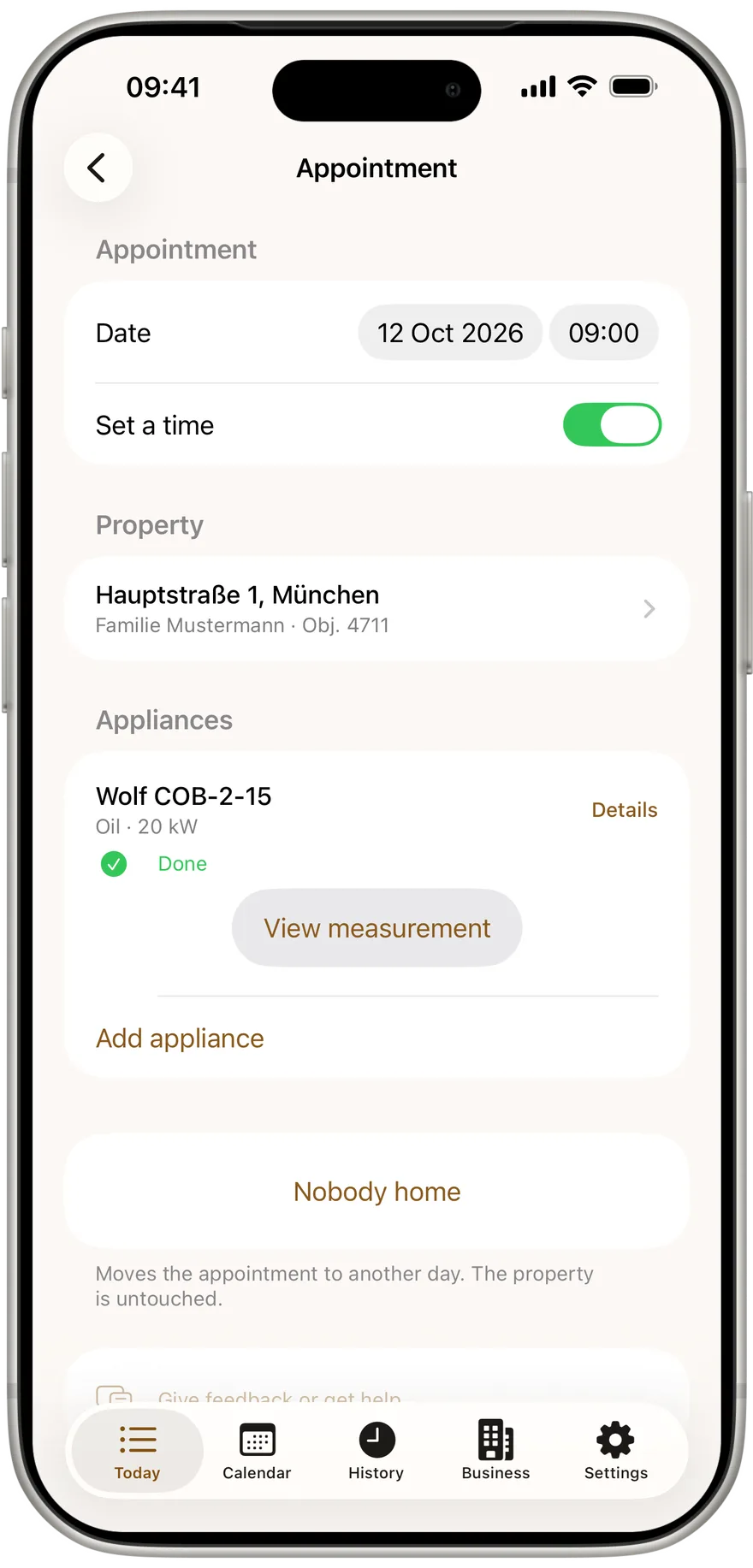
You open the address in the day list and tap the appliance. The appliance categories come from KÜO Annex 2, addresses and appointments arrive by CSV.
You type the values per 1. BImSchV Annex 2, with a comma. A breached limit shows on the display right away.
A photo for the reading, then two signatures with a finger on the device: yours and the owner's, each with name and date.
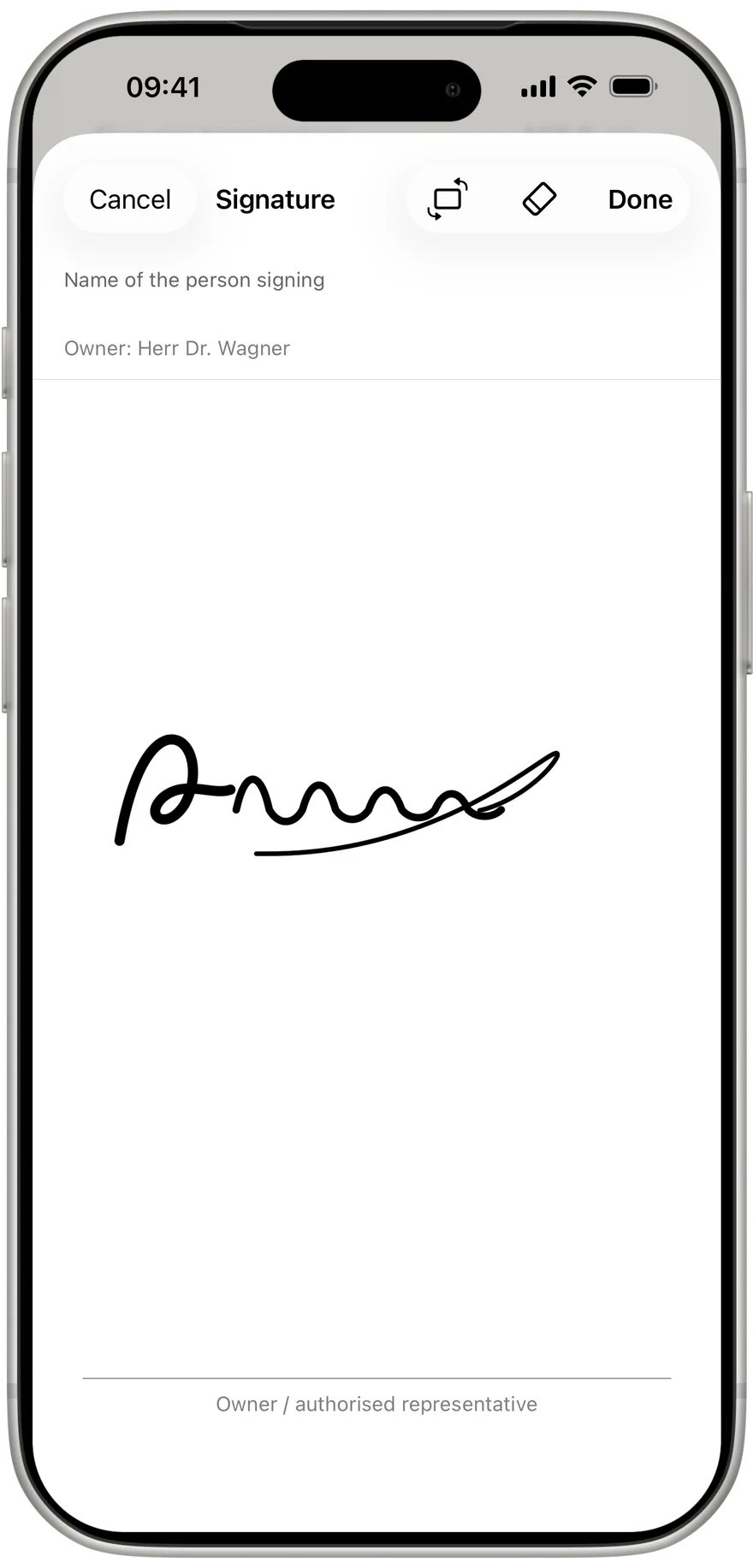
The record is produced on the device in the order of the official form, even with no network. You share the PDF directly and send the CSV to the office.
The fields follow the regulations: gas and oil per 1. BImSchV Annex 2 No. 4, solid fuels per No. 5, and the appliance categories per KÜO Annex 2.
Pick the appliance, enter the values per 1. BImSchV Annex 2, photo, signature. Oil adds the soot number from three readings and the oil derivative check.
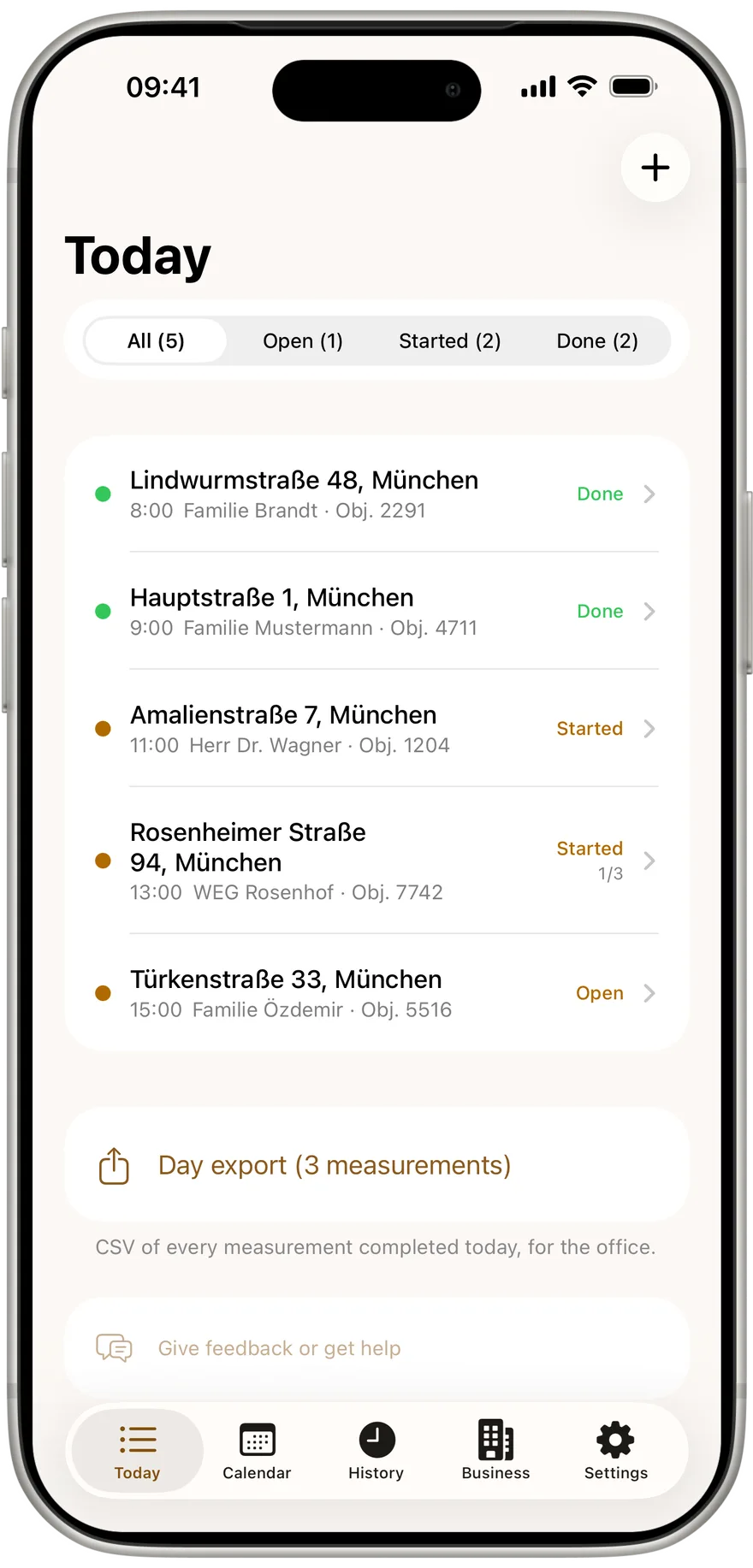
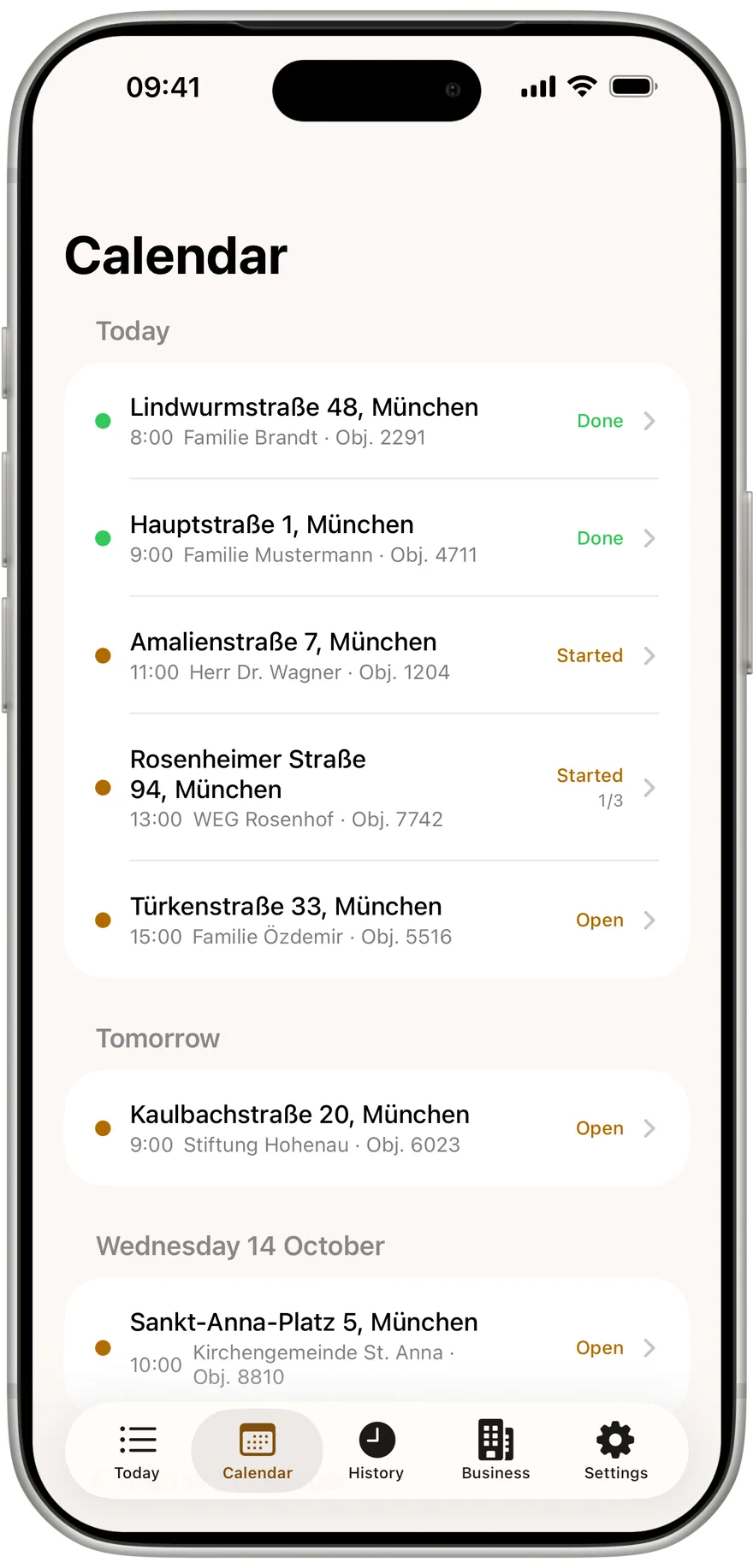
The day list shows what is due today, what comes later and what is done. You import addresses and appointments by CSV instead of typing street names into a phone.
CSV and a PDF in the order of the official form per KÜO Annex 2, generated on the device and shared straight from the app.
The app runs with no signal and writes every keystroke immediately. The values stay on your phone.
Flue gas readings, measurement records and the work on site. Articles for chimney sweeps in Germany, Austria and Switzerland.
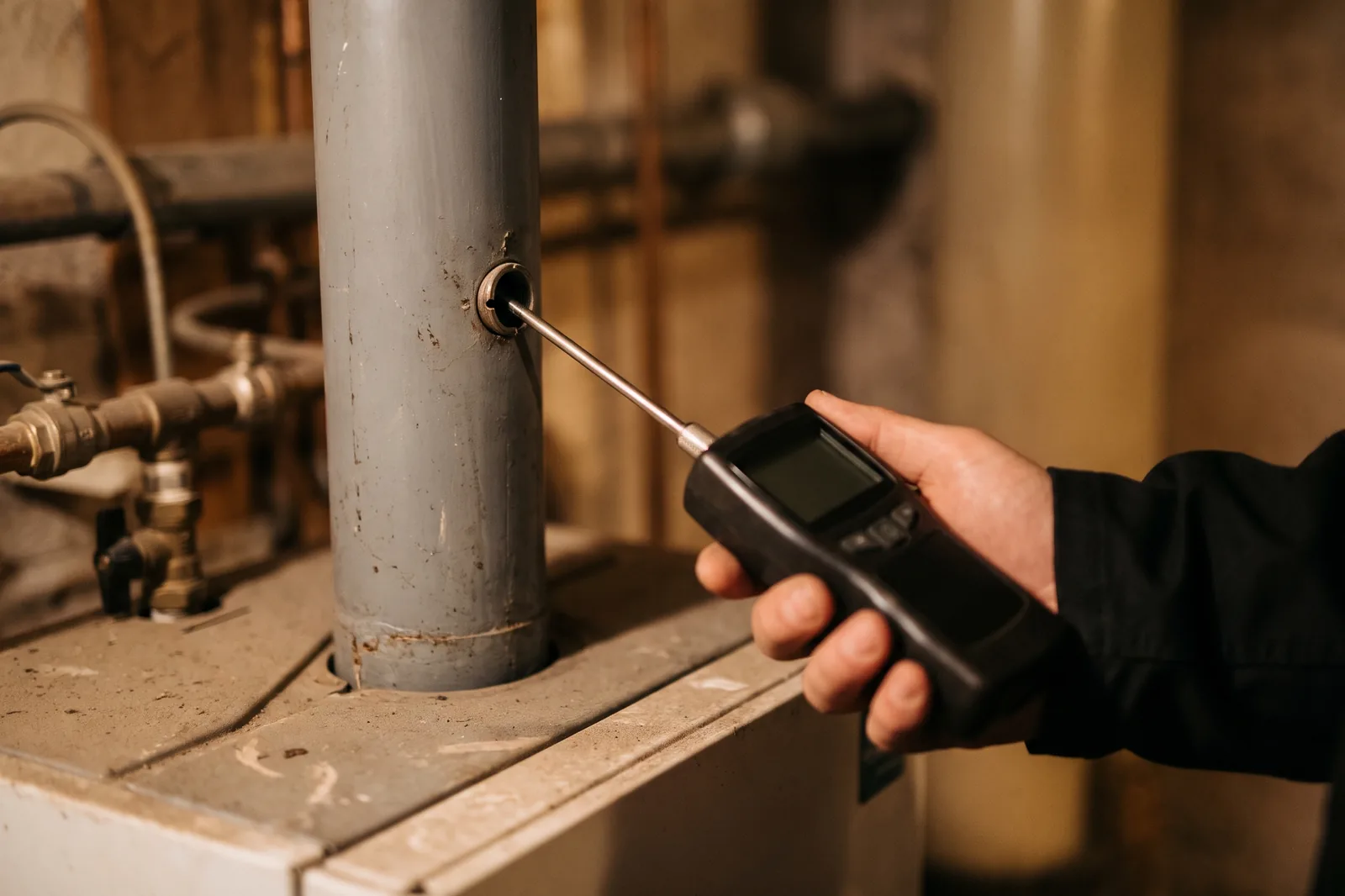
Pick the appliance, type the values, see the limit, photo, signature, PDF. How an app captures the daily flue gas measurement in the boiler room, so nothing has to be typed up in the evening.
Read more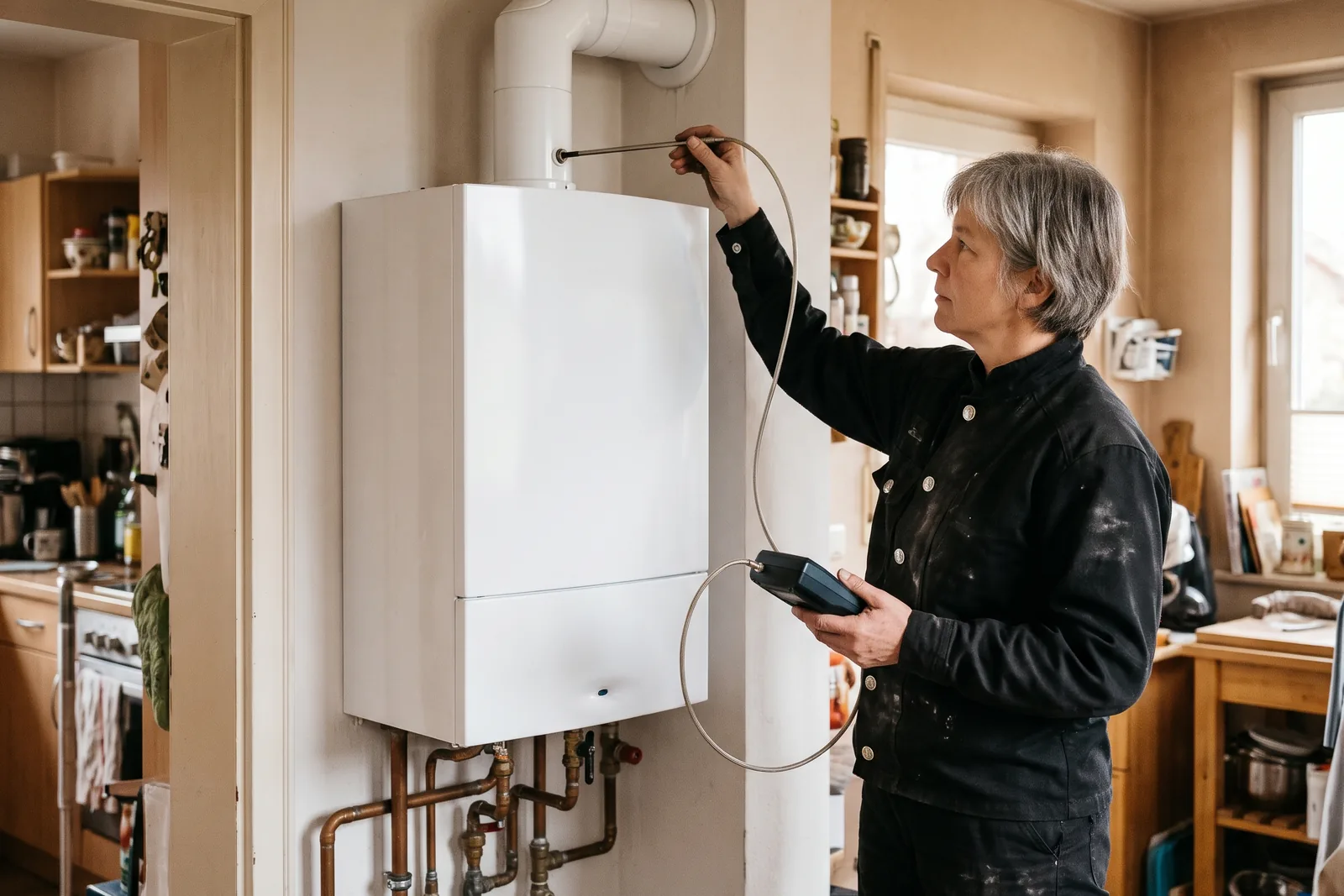
11, 10 or 9 percent: which flue gas loss limit applies to oil and gas firing depends on the rated heat output. The table from § 10, the exceptions and what else is limited during the measurement.
Read moreSeven steps, about ten minutes the first time and two minutes per appliance after that. How to get from a freshly installed app to a finished measurement protocol as a PDF.
Read moreFree for one person, no signup. Your readings stay on the device.