Flue gas measurement with no signal: why nothing may be lost in the boiler room
No network, no server, no sign-in. How a measurement in the cellar lands safely on the phone, why there is no need for a save button and what happens when the phone gets a signal again.
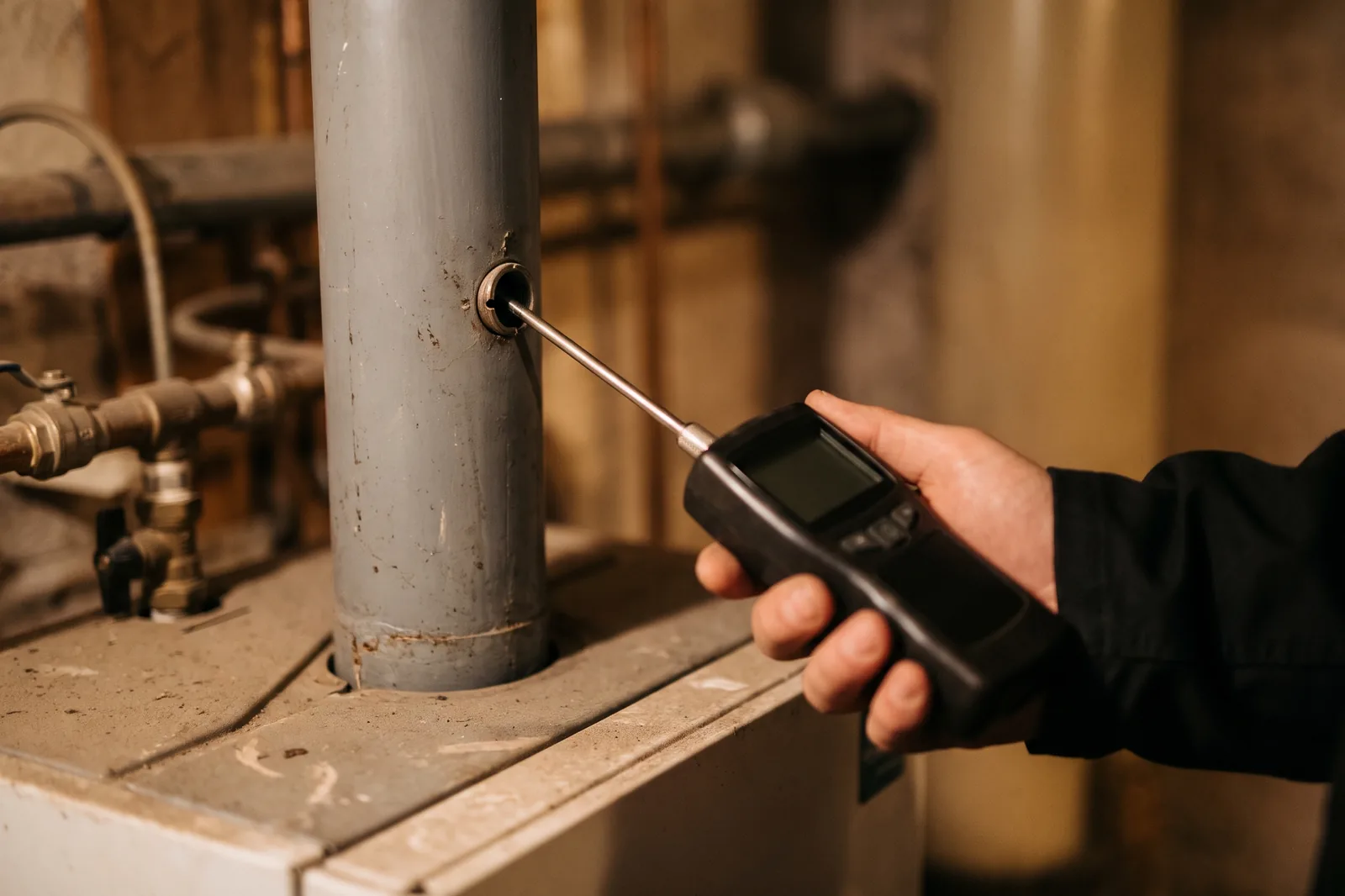
Every chimney sweep knows the picture: the bars on the screen vanish the moment the cellar stairs are behind you. Concrete, steel doors and earth keep mobile signal out reliably. A flue gas measurement with no signal is not a special case in the boiler room, it is the normal case. Still, many apps depend on a connection, load forever, show errors or lose half the entry on saving. Kehrwerk was built from the start so that the cellar makes no difference.
This article explains how that works: where the measurement is stored, why every keystroke counts and how the protocol and the office catch up later.
As fast in the cellar as in the van
Kehrwerk needs no network and no account. Free forever for one person.


The trouble with apps that want to be online
The same sentences have appeared in reviews of record-book apps for years: values entered, saved, and half of them gone the next time. The app hangs on the date. Nothing works without a network. The reason is often how they are built. An app that writes to a server first needs a connection to do it. Without one it waits, gives up or puts the entry in a temporary store that is gone after the next crash.
For you that means: values on a note, typed again at the PC in the evening. Exactly the double work an app is supposed to save.
The phone is the source
Kehrwerk turns that round. The measurement lives on your phone, in a database on the device. No server has to be reachable for you to enter, check, photograph and get it signed. There is no account and no sign-in, so there is no session to expire in the cellar either.
- Readings, photos and signatures are stored on the device.
- The limit check runs on the device, with no call to a server.
- PDF and CSV are built on the device.
- Nothing from outside can overwrite or delete a measurement on the phone, not even the office.
Saved on every keystroke
As soon as you open a measurement, Kehrwerk creates it as a real record. Every number you type is written at that moment. There is no save button to forget and no form that is empty after a crash. A half-filled measurement is a saved measurement.
That sounds like a detail, and in daily work it is the difference between a measurement that holds and an hour in the evening. A call in the middle of the smoke number, the battery at 2 percent, the app swiped away by accident: the next time you open it, everything is where you left off.
Finishing the measurement only gives it its timestamp. It was already saved before, value by value.
No save button. No lost value.
Every entry is on the phone at once. Download it, add an appliance and try it in the deepest cellar you have.
The number stays as you typed it
The second way values get lost is the number itself. Someone typing 11,5 means eleven point five. Kehrwerk accepts the decimal comma and gives the number back exactly as typed, with the decimals you entered. 0,12 hPa stays 0,12 hPa, on the screen, in the PDF and in the CSV.
At the same time the app catches typing errors no analyser could show: oxygen above 21 percent, a draught beyond 20 hPa, a smoke number above 9. The field is flagged before the mistake reaches the protocol.
Photos and signature without a network
Photos need no upload either. You photograph the appliance, the rating plate or the analyser, and the picture sits with the measurement on the phone. The owner signs with a finger on the screen, and that is saved at once too.
Build the protocol now, send it later
The PDF protocol and the CSV export are built on the device, in the cellar too. You can share both once you have a signal again, through your phone's share function. Working alone, you decide yourself when and where a protocol leaves the device.

In a business: the office catches up
If your business uses the Kehrwerk office, one step is added. Finished measurements and their protocols go from the phone to the office as soon as the device has a signal again. You do not have to press anything. The transfer runs one way: the office receives the measurement but can neither change nor delete it on the phone.
The other way round, appointments come from the office onto the phone when there is a network, and stay there, even if the next cellar has no signal again. The day list is on the device in the morning and needs no connection on the road.
Try it yourself
You do not have to take our word for it. Download Kehrwerk, put the phone in flight mode and add an appliance. Type three values, swipe the app away and open it again. All three values are there, with every decimal. Finish the measurement, build the PDF, and only then switch flight mode off. That is exactly how the app behaves in the cellar, every day.
Your data stays with you
If you use Kehrwerk on your own, no readings, addresses, customer names, photos or signatures are sent to us. A protocol only leaves the device when you share it yourself. That is what our privacy policy says, and that is how the app is built.
Download Kehrwerk before the next cellar stairs
Free forever for one person, no sign-up. For iPhone and Android.
Does Kehrwerk work entirely without internet?
Yes. Measuring, checking limits, photographing, getting signatures and building the PDF all work without a network. Only sending needs a connection.
What happens if the app crashes mid-measurement?
Nothing is lost. Every keystroke is already saved, and the measurement opens exactly where you left off.
Do I need an account?
No. Kehrwerk works without an account or sign-in. Only businesses with an office activate their phones with a code.
When do measurements reach the office?
As soon as the phone has a signal again. The transfer starts by itself, you do not have to press anything.
Can the office overwrite a measurement on the phone?
No. Measurements only go from the device to the office. Nothing from the server can change or delete a measurement on the phone.
Try Kehrwerk on your next reading.
The chimney sweep app for flue gas readings on site. Free forever for one person, no signup.