Why Kehrwerk has no save button
The most common complaint about measurement software is not that it is ugly. It is that values you entered are gone. Why Kehrwerk saves every keystroke at once, and what that gives you in the cellar.
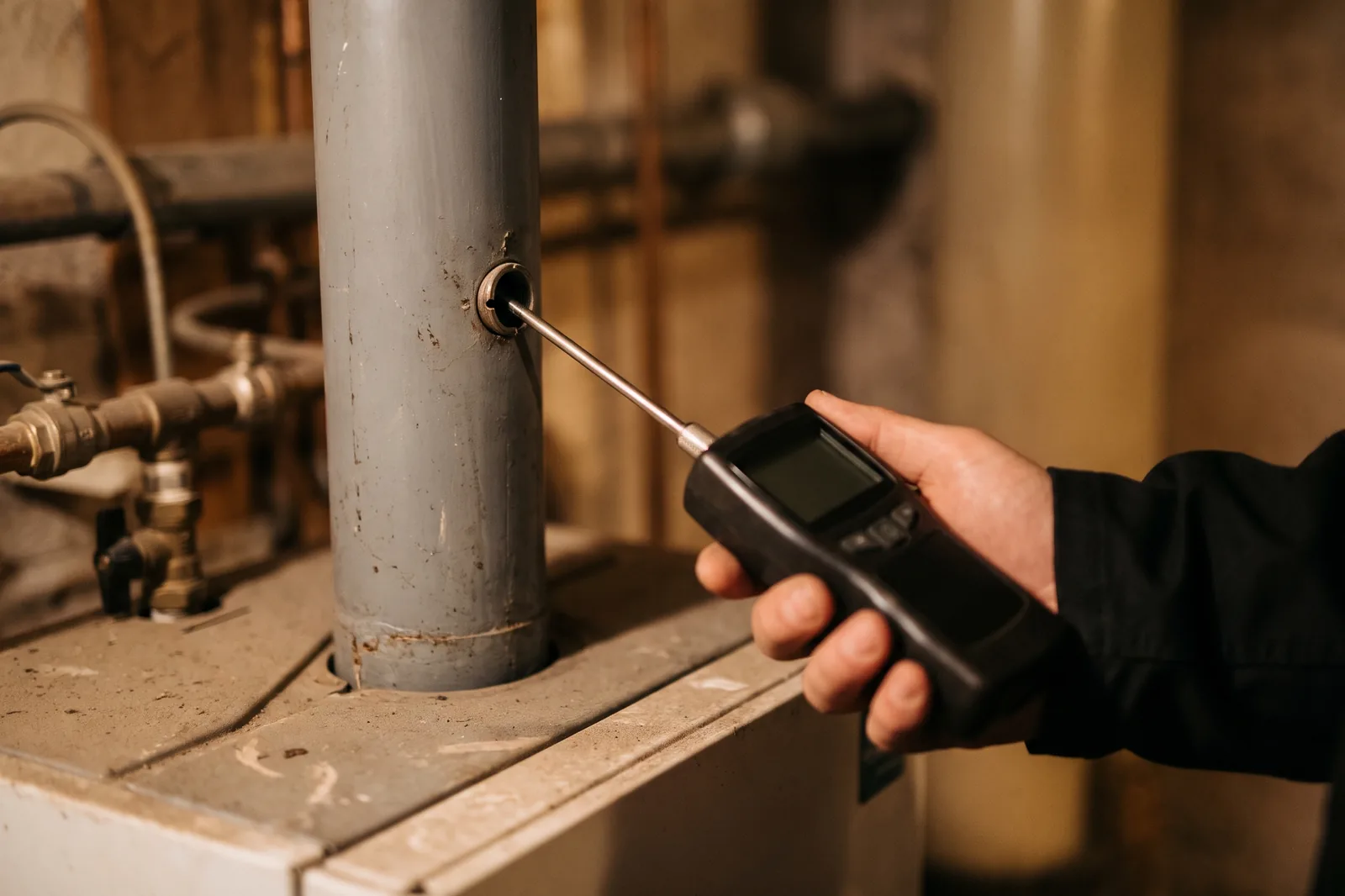
The same sentence has been appearing in public reviews of the common chimney sweep apps for years: entered, saved, and the next time you open it half of it is gone. Sometimes the app crashes as you type, sometimes it hangs on the date, sometimes the value quietly disappears. Once a sweep has seen that in a boiler room, he stops trusting input fields.
That is not a cosmetic flaw. A reading that does not survive means another trip out, or an evening at the PC reconstructing it from memory or a note. Kehrwerk is built from the first line so that this cannot happen.
Readings that hold
Every keystroke is saved at once, even with no signal. Kehrwerk is free for one person for good and needs no account.


The button is the problem
A save button means there is a gap between typing and storing. Anything that happens in that gap costs you the entry. And in a cellar, plenty happens in that gap:
- The phone rings and the next customer wants to know when you are coming.
- The battery is flatter than expected after eight hours in the cold.
- The owner asks something and you tap back by accident.
- The operating system closes the app in the background because the camera needs memory.
Kehrwerk does not have that button. Every entry is written the moment it is typed, digit by digit. A half filled reading is a real, saved reading. The app may crash, the phone may die: the value is already on the device.
Half done is saved too
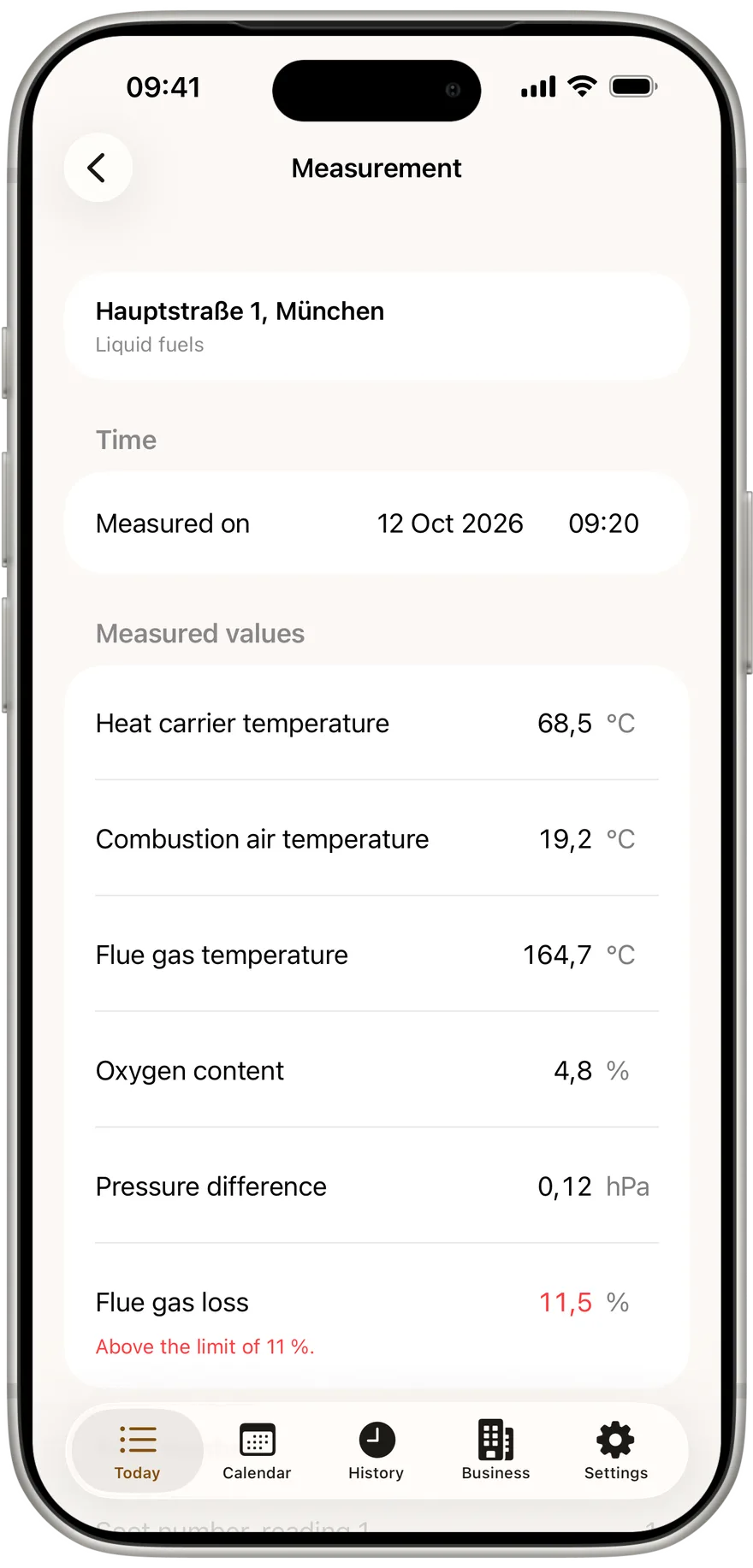
The same rule covers everything else in the measurement: date and time, soot numbers, oil derivatives, defect and deadline, every photo and the signature. None of it waits for a confirmation. If a value is still missing, the app says so at the bottom with "Still outstanding:" and names the fields. That blocks nothing, because a blocked entry is a lost entry.
"Complete measurement" is therefore not a save either. The footer says it plainly: everything is saved continuously, with or without signal; completing only sets the timestamp. The only thing that stops completing is a value no analyser can show, such as oxygen above 21 percent. That value stays saved too, exactly as typed. It just does not go out as a finished protocol until you have corrected it.
Comma, not full stop
The second way values vanish is the number itself. Someone typing 11,5 means eleven point five. A program reading that the English way gets no number at all and stores nothing, without an error.
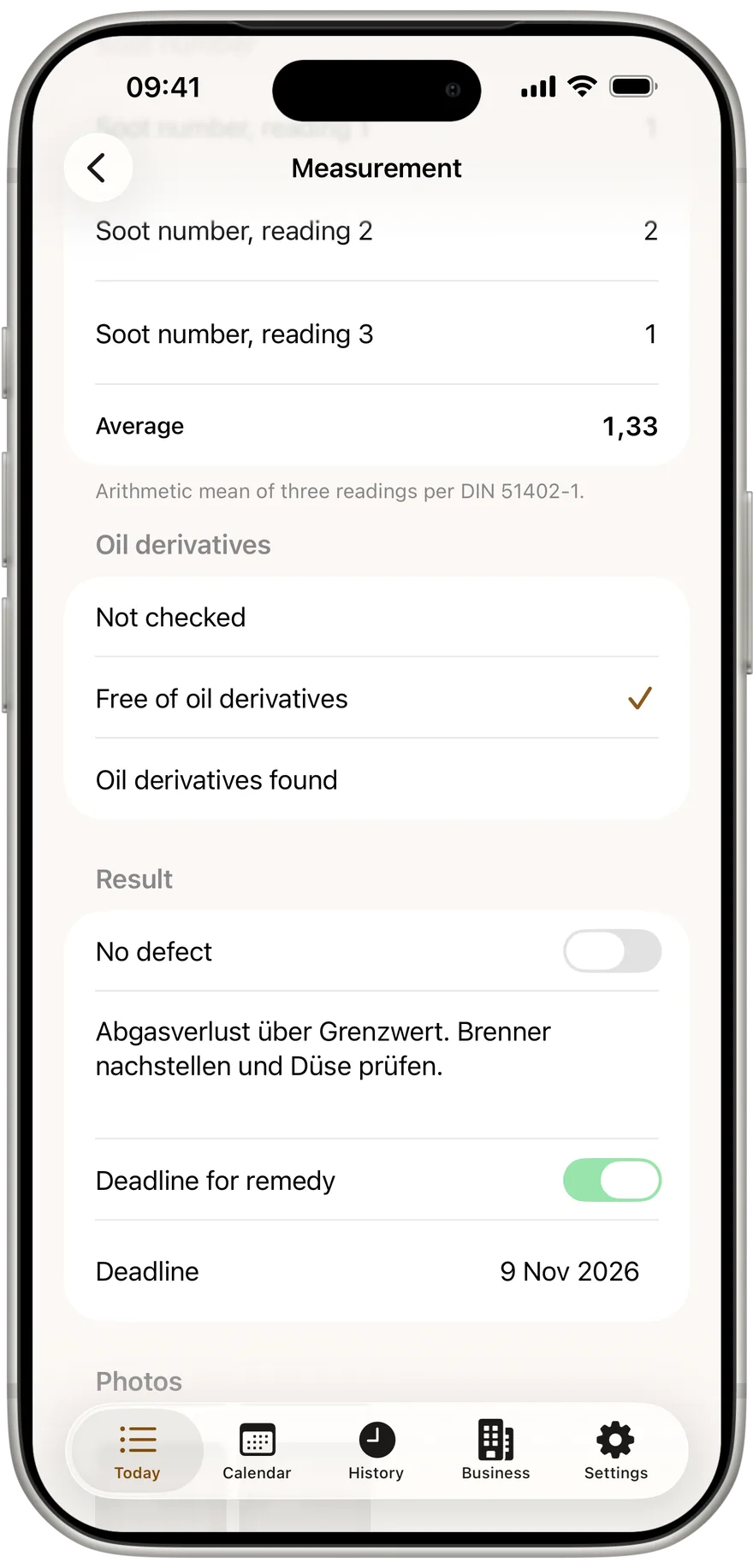
Kehrwerk accepts the comma, the way German speaking sweeps write. The keyboard shows digits and the separator, no letters in the way. Fields that can go below zero, like pressure difference, have a ± button beside them. The minus sits in front of the number where it belongs and cannot be deleted by accident or slip to the end.
The same keystroke that saves the value also checks the limit. If the flue gas loss is over your appliance's limit, the number turns red and the line below says which limit applies.
Your next measurement without worry
No account, no sign in, no signal needed. Kehrwerk is free for one person, on iPhone and Android.
What is shown is what is exported
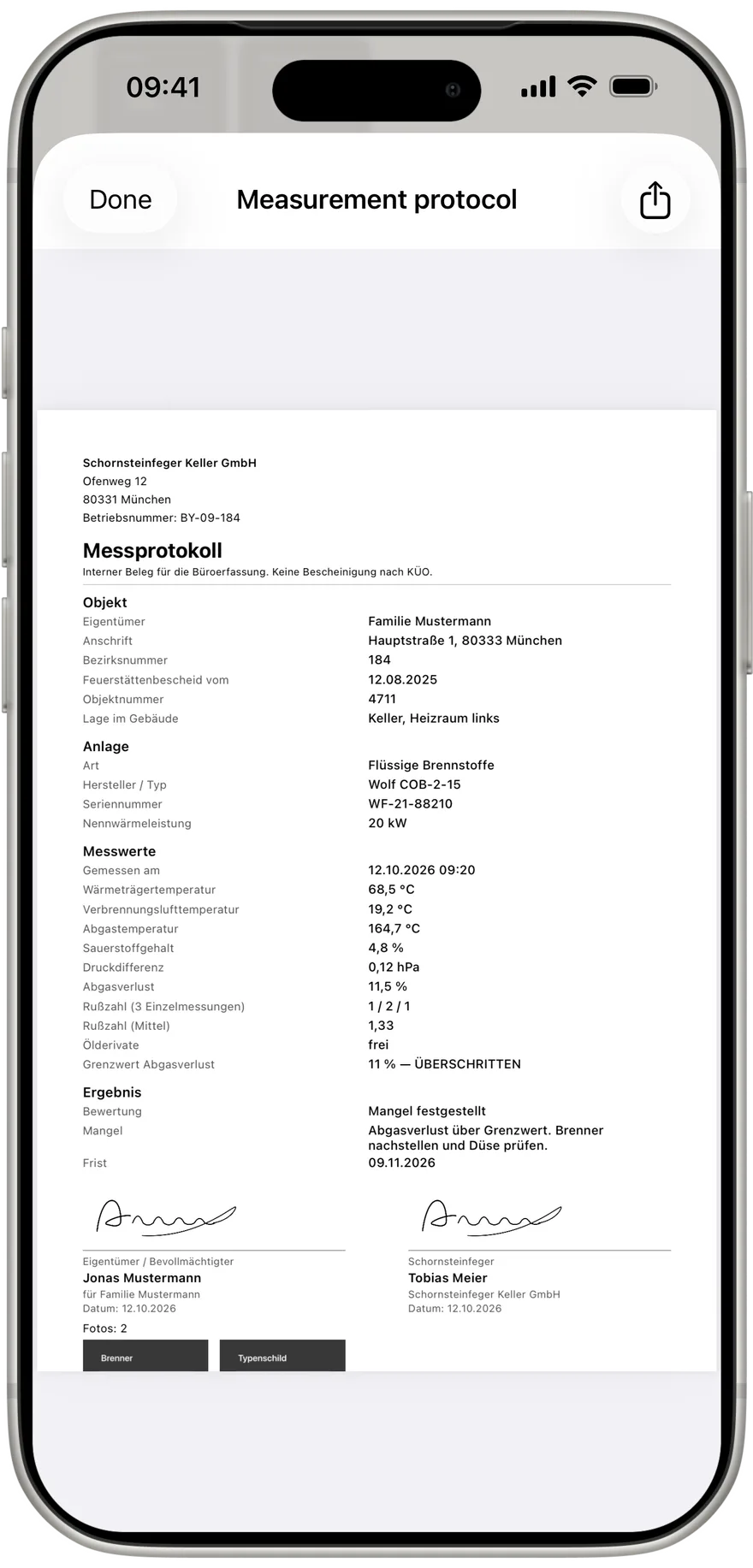
A number must not only be saved, it must come back exactly as it went in. Kehrwerk returns every value as typed: 0,12 hPa stays 0,12 hPa, after closing the app, when the measurement is reopened, in the PDF and in the CSV for the office. Rounding happens only where it is wanted, such as the soot number average at two decimals.
We do not check that by hand. An automated test fills every field of a measurement, closes the app, starts it again and compares each value with what was typed. Only when all of them match does a new version ship.
The phone is the source
The measurement is made on the phone and stays there. If your phone is connected to a business, a completed measurement goes to the office as soon as there is signal again. The direction is fixed: device to office, never back. No server can overwrite or delete a measurement on your phone. And because sending waits in the background, it does not matter whether the cellar has reception.
Three rules
Capture in Kehrwerk is built on three rules:
- Writing happens on keystroke, not on confirm.
- The phone is the source. No server can overwrite or delete a reading.
- What is shown must be exactly what is exported.
None of this is exciting. It is the difference between a reading that holds and an hour in the evening.
Try it in the next cellar
Type the values, close the app, open it again: everything is there. Free for one person for good, works with no reception.
Where is the save button in Kehrwerk?
There is none. Every value is saved the moment you type it.
What happens to my values if the app crashes or the battery dies?
They are already saved on the phone. Next time you open it, the measurement is exactly as you left it.
Can I complete a measurement with values missing?
Yes. The app lists missing values as still outstanding, but they block nothing. Only a physically impossible value prevents completing.
Do I have to type numbers with a full stop?
No. Kehrwerk accepts the comma, and shows and exports the number with a comma too.
Is a value rounded on export?
No. PDF and CSV contain each value as typed. Only the soot number average is rounded, to two decimals.
Try Kehrwerk on your next reading.
The chimney sweep app for flue gas readings on site. Free forever for one person, no signup.