The chimney sweep app for flue gas measurement on site
Pick the appliance, type the values, see the limit, photo, signature, PDF. How an app captures the daily flue gas measurement in the boiler room, so nothing has to be typed up in the evening.
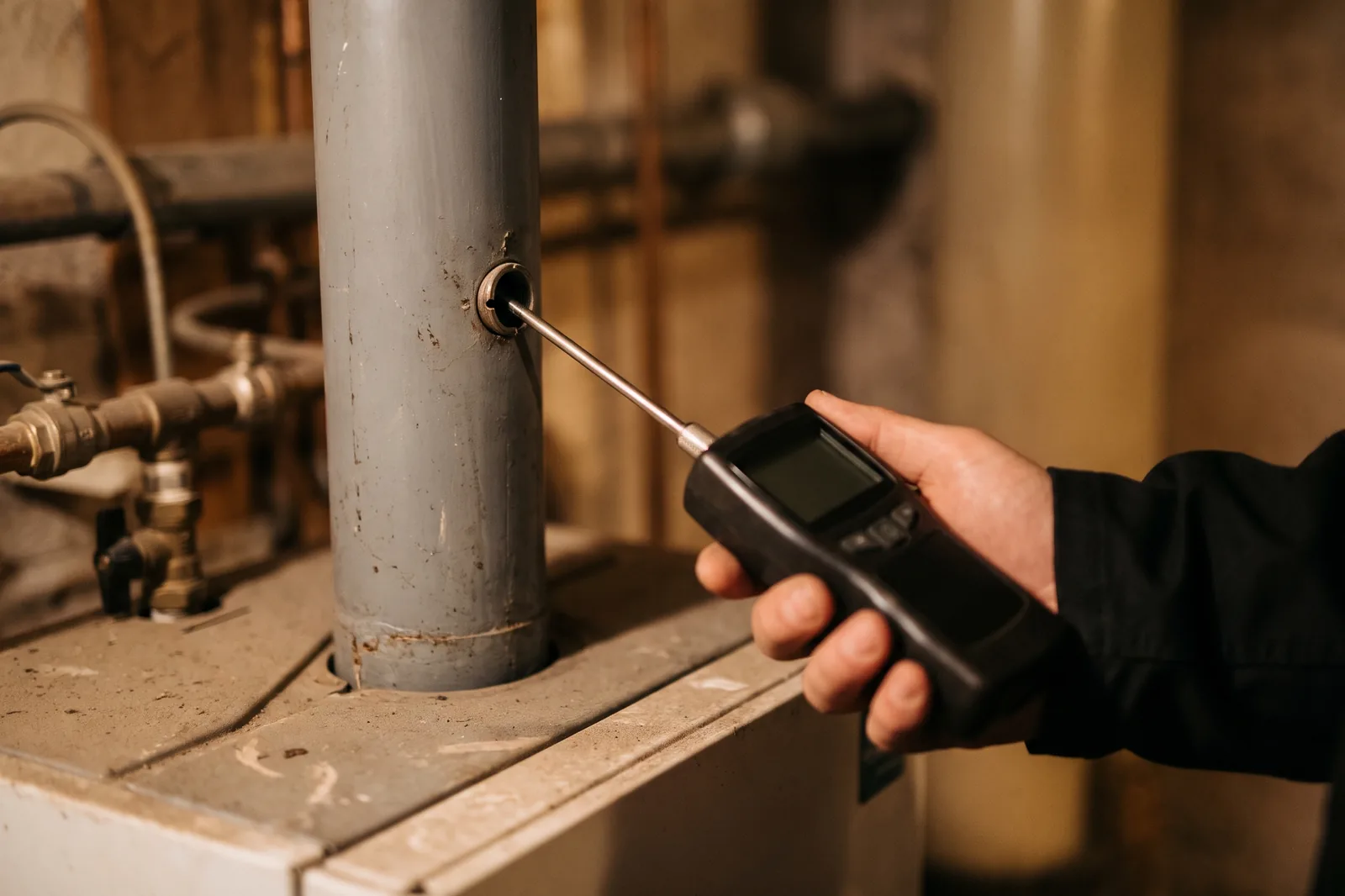
Every chimney sweep knows the moment: the analyser shows the flue gas loss, the smoke number is done, the owner is standing next to you and waiting. Now it all has to go somewhere. Onto a note, into a tablet with no signal in the cellar, or into an app that crashes on the third value. A chimney sweep app for flue gas measurement has exactly one job: the values have to be safe the moment you type them. Kehrwerk is built for that one job.
This article walks through a measurement with Kehrwerk, from the appointment on the day list to the PDF protocol. You will see which values the app asks for on each appliance, how the limit check works and why there is no save button.
Do your next measurement with Kehrwerk
Free forever for one person. No sign-up, start straight away, on iPhone and Android.


What a chimney sweep app has to do in the cellar
Most software in the trade is record-book software: district administration, notices, fee billing. That matters and it stays on the office PC. On site, something else counts. The boiler room often has no signal, your hands are dirty, and the phone rings between two readings. An app that is meant to help there has to do four things:
- Work without a network, completely, not in a reduced emergency mode.
- Store every value immediately, so a call, a flat battery or a crash costs nothing.
- Show only the fields that are required for this appliance.
- Check the limit at once, while you are still standing in front of the boiler.
Kehrwerk is not a record book and does not replace your record-book software. The app takes on the one action that happens dozens of times a day: entering a reading without losing it. Everything else goes to your office as CSV and PDF.
A measurement in five steps
In the morning the day list shows where you are going: today, later, done. Addresses and appointments come onto the phone by CSV import from your record-book software, so nobody types street names. On site you tap the appointment and land straight in the measurement.
- Pick the appliance: gas, oil, solid fuel boiler, room heater or CHP unit. The categories follow the forms of KÜO Annex 2.
- Type the values: heat carrier temperature, combustion air temperature, flue gas temperature, oxygen, draught, flue gas loss. With a decimal comma, the way German instruments show it.
- See the limit: if the flue gas loss is above the limit, it says so under the field at once.
- Take photos: of the appliance, the rating plate, the analyser. The photos belong to the measurement and appear in the protocol.
- Get it signed: the owner or their representative signs with a finger on the screen, with name and date underneath.
The right fields for every appliance
For gas and oil, Kehrwerk asks for the values that 1. BImSchV Annex 2 No. 4 lists for the certificate. For oil it adds the smoke number from three single readings and the check for oil derivatives. The app works out the arithmetic mean of the three smoke numbers itself; you only enter the single readings.
For solid fuels the field list follows Annex 2 No. 5: heat carrier temperature, flue gas temperature, oxygen, draught, dust, carbon monoxide and the moisture content of the fuel. A CHP unit gets the fields of the CHP form, with CO in the undiluted flue gas and the three annular gap readings.
You never see a field that does not apply to the appliance in front of you. That saves taps and stops a required value going missing among ten others.
Limit check while you type
For oil and gas firing, § 10 (1) of the 1. BImSchV limits the flue gas loss by rated heat output: 11 percent from 4 to 25 kW, 10 percent above 25 to 50 kW, 9 percent above 50 kW. Kehrwerk knows the rated output from the appliance data and shows as you type whether the value is within the limit. A breach appears in red under the field, in the cellar, not in the office that evening.
The app catches typing errors the same way. No analyser can show oxygen above 21 percent or a smoke number of 12. Kehrwerk tells you at once instead of quietly accepting the value.
If you work in Austria or Switzerland, set the country for your business. The limits of the Art. 15a B-VG agreement or the Swiss Ordinance on Air Pollution Control then apply, and the app asks for the values required there. In each case the binding text is the regulation itself.
See the limit before you leave the cellar
Kehrwerk checks the flue gas loss as you type. Download it, add an appliance, first measurement in a few minutes.
No save button, no lost value
Kehrwerk writes every keystroke to the phone straight away. A half-filled measurement is a real, saved measurement. Close the app in the middle of a number and everything is there when you open it again, with exactly the decimals you typed. 0,12 hPa stays 0,12 hPa, in the export too.
The measurement lives on your device, not on a server. There is no account and no sign-in. You only need a signal to send the protocol, and that can wait until you are back in the van.
PDF protocol, CSV day export
When the measurement is finished, Kehrwerk builds a measurement protocol as a PDF on the phone. It follows the layout of the official form: site, appliance, readings, legal basis, limit marked met or exceeded, result, photos and both signatures. You share the PDF straight from the app, by email, messenger or AirDrop.
For the office there is the CSV export: every measurement of the day in one file, semicolon separated, German dates, one column per reading. It opens in Excel and can be taken over into your record-book software.
Nobody home?
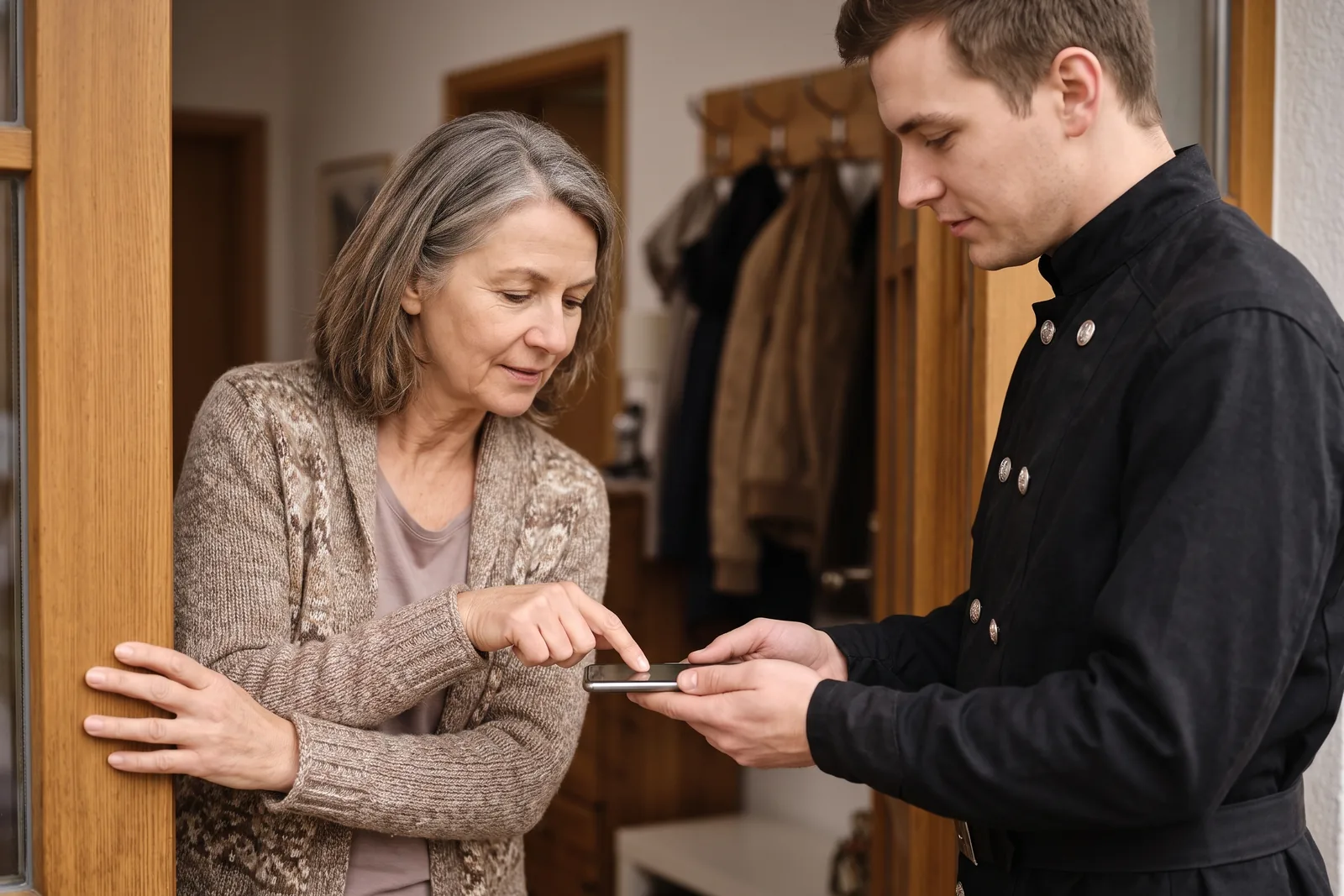
That is part of the job too. Mark the visit as nobody home and the appointment moves to a new day, while the wasted trip stays on record. If you find a defect, write it into the result and set a deadline for the repair if you want one. Both appear in the protocol later.
Free on your own, with an office for a business
If you work your district alone, Kehrwerk is free forever, with every feature on the device. It is not a trial. If several people work for you, there is the office at office.kehrwerk.com: you send appointments to their phones, and finished measurements come back before the van is back in the yard. That costs 39 euros a month plus 15 euros per seat, net, from two seats, 14 days free and cancellable monthly.
Download it today and try it in the cellar tomorrow
Free for one person, no account, no signal needed. Your readings stay on your phone.
Does Kehrwerk replace my record-book software?
No. Kehrwerk captures the measurement on site and hands it on as CSV and PDF. Record book, notices and fee billing stay in the software you already use.
Does the app work in a boiler room with no signal?
Yes. All data lives on the phone and every keystroke is saved immediately. Without a network you only lose sending, not capturing.
Does Kehrwerk calculate the flue gas loss itself?
Your analyser determines the flue gas loss. Kehrwerk records the value and checks it against the limit for the appliance's rated heat output.
Is Kehrwerk available for Android?
Yes, for iPhone and for Android. Both versions measure, check the limit, take signatures and build the protocol.
What does the app cost?
Nothing for one person, for good. Businesses with an office pay 39 euros a month plus 15 euros per seat, net, from two seats, with 14 days free to try.
Try Kehrwerk on your next reading.
The chimney sweep app for flue gas readings on site. Free forever for one person, no signup.