Running a chimney sweep business digitally: appointments to phones, protocols back to the office
Handing out addresses, collecting protocols, chasing what went missing. How a business with several sweeps plans the day at the computer, gets the measurements back automatically, and what it costs.
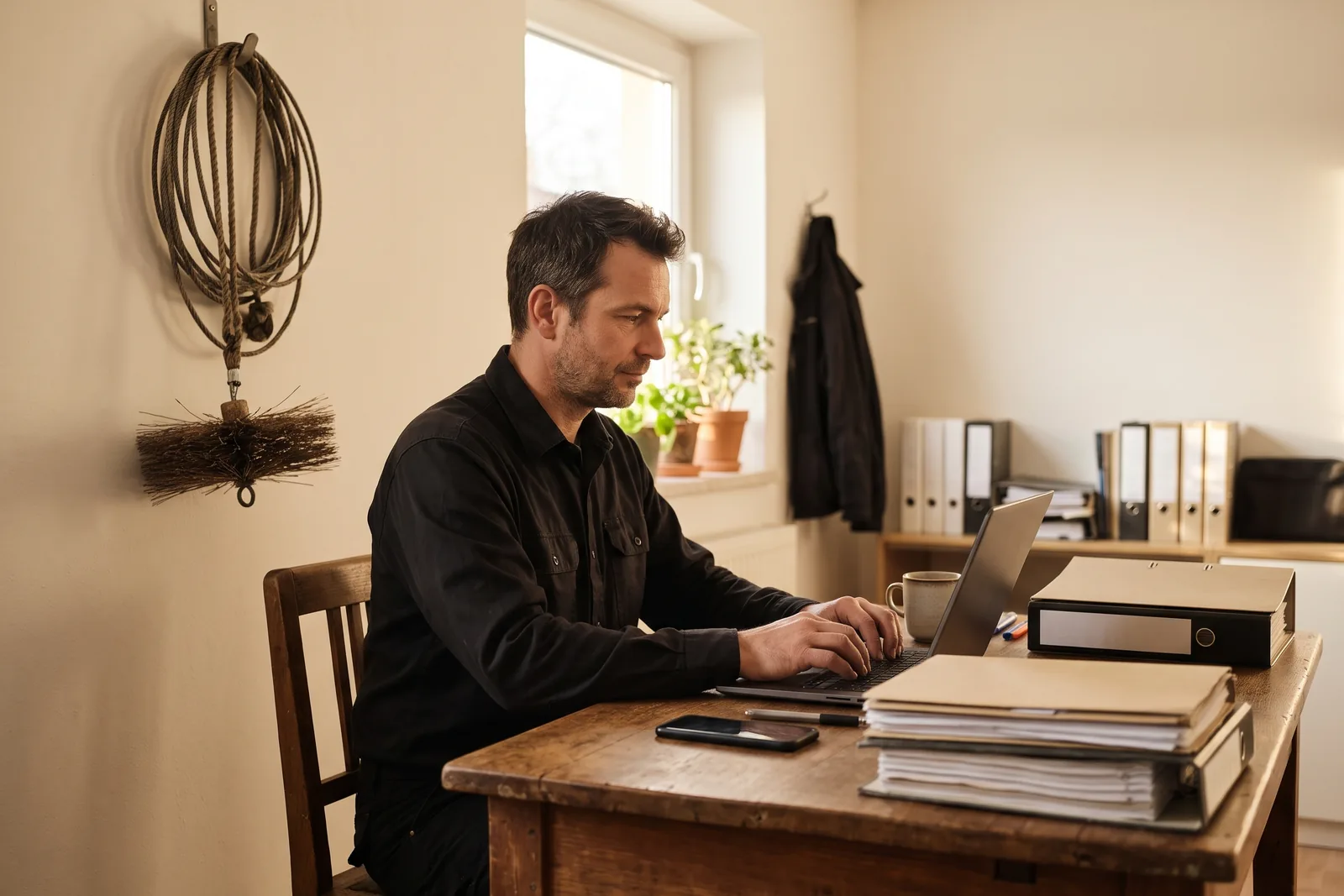
As soon as a chimney sweep no longer works alone, a kind of work begins that nobody gets paid for: printing addresses or sending them by messenger, collecting protocols in the evening, asking why yesterday's measurement still has not arrived. To run a chimney sweep business digitally you do not need a new record book, you need a link between office and phone that holds up in the cellar too. That is exactly what the Kehrwerk office is.
This article shows what the workflow looks like with several staff, from importing the round to the protocol that is in the office before the van is back.
The app first, then the office
Every sweep can download Kehrwerk free today. Try the office for your business free for 14 days.


Where a business loses time today
- The round is in the record-book software, but not on the staff's phones.
- Addresses are typed up, photographed or forwarded as a list.
- Protocols arrive as PDFs by WhatsApp, by email or not at all.
- Who is where and what is done only becomes clear in the evening.
- When someone leaves, customer data sits on a phone nobody can reach any more.
None of these is big. Together they are an hour every day that is neither measured nor billed.
Import the round once
Your sites and appointments are already in the record-book software. In the Kehrwerk office at office.kehrwerk.com you import them by CSV instead of typing four hundred addresses. Owner, address, district and object number, location in the building, appliance type, manufacturer, model, serial number and rated output all come across. Sites that already exist are reused, matched by object number or else by street and postcode. So you can import the same round every quarter without duplicates. You can also add single sites and appointments by hand in the office.
Appointments to the phone
You plan the day at the computer and assign each appointment to someone. Their phone shows the addresses they are to visit, and no others. When an appointment is assigned to them, they get a notification on the phone. On the road the day list needs no network: what arrived in the morning stays on the device.
Measurements come back on their own
On site your staff measure just as with the free app: pick the appliance, type the values, see the limit, photo, signature. Once the measurement is finished, it goes to the office with protocol and photos as soon as the phone has a signal again. Nobody has to press anything, and nobody sends you PDFs by messenger any more.
In the office you find the protocols in one place and see the state of every appointment: open, started, done. If nobody was home, the appointment shows that too.
Appointments out, protocols in
39 euros a month plus 15 euros per seat, net. 14 days free, cancel monthly, no setup fee.
The device is right
Finished measurements travel one way only, from phone to office. Nothing from the server can overwrite or delete a measurement on a phone. For you as the owner, that means what was signed in the cellar is exactly what reaches the office. For your staff, it means a mistake in the office can never take a measurement away from them.
A seat is a person who signs
You book one seat per person in the field. A seat is not a login passed around the business, but a person whose name stands under the measurement. Setup works like this:
- Create the business in the office and set up the subscription. The first 14 days are free.
- Book seats, one per person, from two seats.
- Generate an activation code for each seat and hand it on.
- Your staff member enters the code in the app. It works exactly once and is bound to that phone.
You set up the business yourself. No sales call, no quote and no setup fee. We are happy to answer questions by email.
When someone leaves
If someone leaves the business or a phone is lost, you lock the device in the office. The measurements stay in the office, the phone stops syncing. You pass the seat on to the next person with a new code.

What it costs
For one person Kehrwerk is free forever, with every feature on the device. For a business with the office you pay 39 euros a month plus 15 euros per seat, net plus VAT, from two seats. A business with three sweeps pays 39 plus 45, so 84 euros net a month. The invoice is made out to the business with your VAT number, and you can cancel monthly.
Kehrwerk adds to your record-book software, it does not replace it. The record book with notices and fee billing stays where it is. Kehrwerk takes over the stretch in between: from the appointment to the signed measurement in the office.
After cancelling
The measurements are on the devices anyway. CSV and PDF export work independently of the subscription, so you can still reach everything afterwards.
Start today, decide in 14 days
Create your business at office.kehrwerk.com, your staff download the app free. No call, no fixed term.
What does Kehrwerk cost for a business?
39 euros a month plus 15 euros per seat, net plus VAT, from two seats. The first 14 days are free, then cancel monthly.
Do my staff need to create an account?
No. They download the app and enter the activation code you generated in the office for their seat. The code works once and binds the seat to that phone.
Can I take over the addresses from my record-book software?
Yes, by CSV import in the office. Sites, appliances and appointments come in at once instead of being typed one by one.
What happens when someone leaves the business?
You lock their device in the office. The measurements stay in the office, the phone stops syncing, and the seat goes to the next person.
Can the office change measurements?
No. Measurements only go from phone to office. What was captured and signed on site cannot be overwritten from the office.
Is there an invoice with a VAT number?
Yes. The invoice is made out to the business, with your VAT identification number.
Try Kehrwerk on your next reading.
The chimney sweep app for flue gas readings on site. Free forever for one person, no signup.